Pine Finance: Don’t just track your money. Put an AI agent to work on it.
Connect your banks and credit cards in seconds. Pine gives you crystal-clear spending insights, detects sneaky subscription price hikes, manages your budgets, and autonomously negotiates lower bills and disputes unfair fees on your behalf.
See where your money goes before you decide what Pine may do next.
From reporting to authorized action
Traditional tools report and remind. Pine Finance interprets signals and executes authorized administrative actions.
Financial Capability
You Manually
Traditional Budgeting Apps
(Rocket Money / Mint)
Pine Finance
(Autonomous Financial Agent)
Spending Tracking & Insights
Review statements, tag purchases, and build your own view of cash flow.
Dashboards and categories help you observe, but you still interpret the pattern.
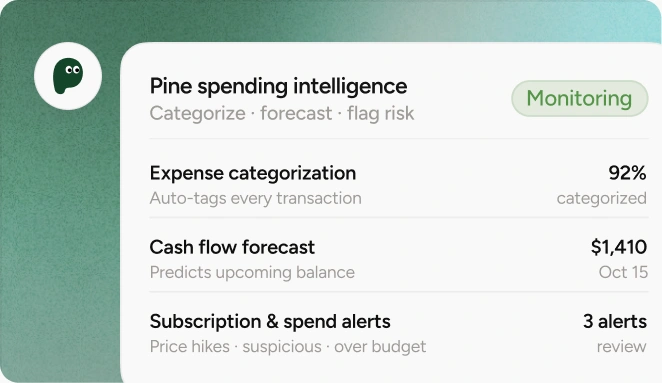
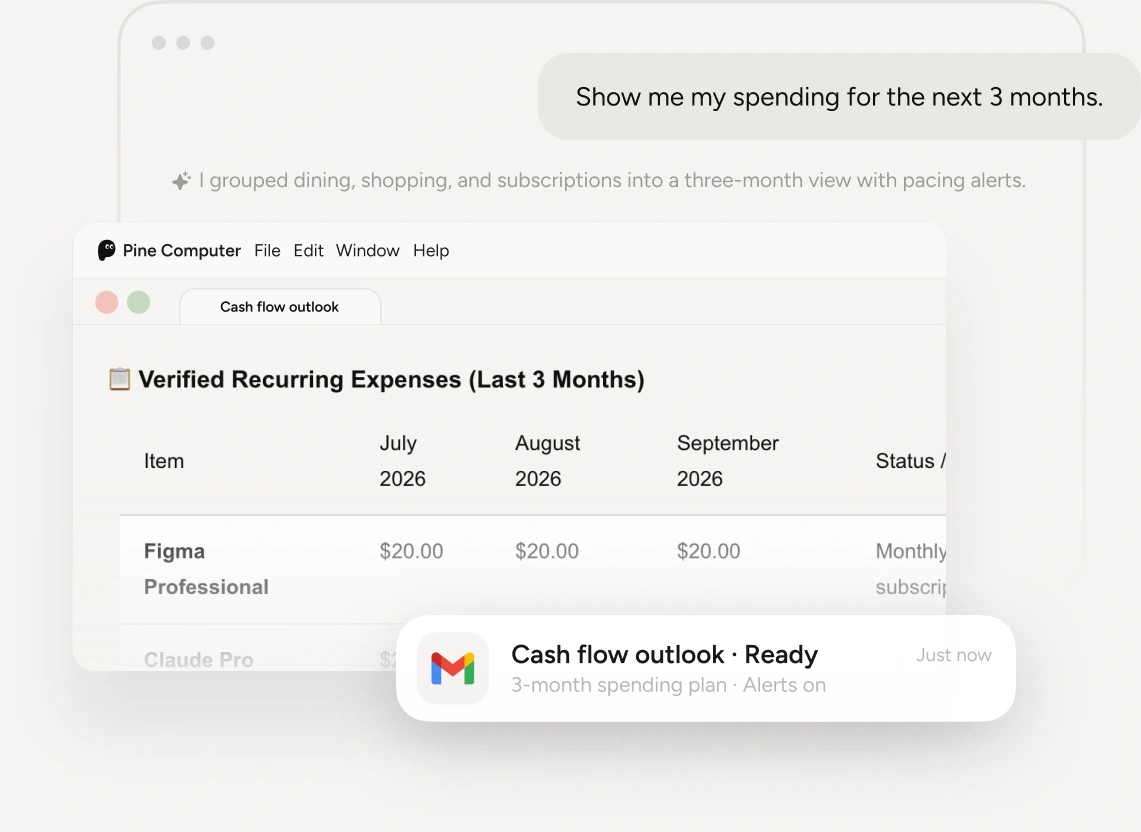
Auto-categorizes, forecasts cash flow, and answers natural-language questions about your money.
Sneaky Subscriptions & Price Hikes
Notice a higher charge later, search for the vendor, then cancel or call.
May flag recurring charges; you still open the account and complete the action.
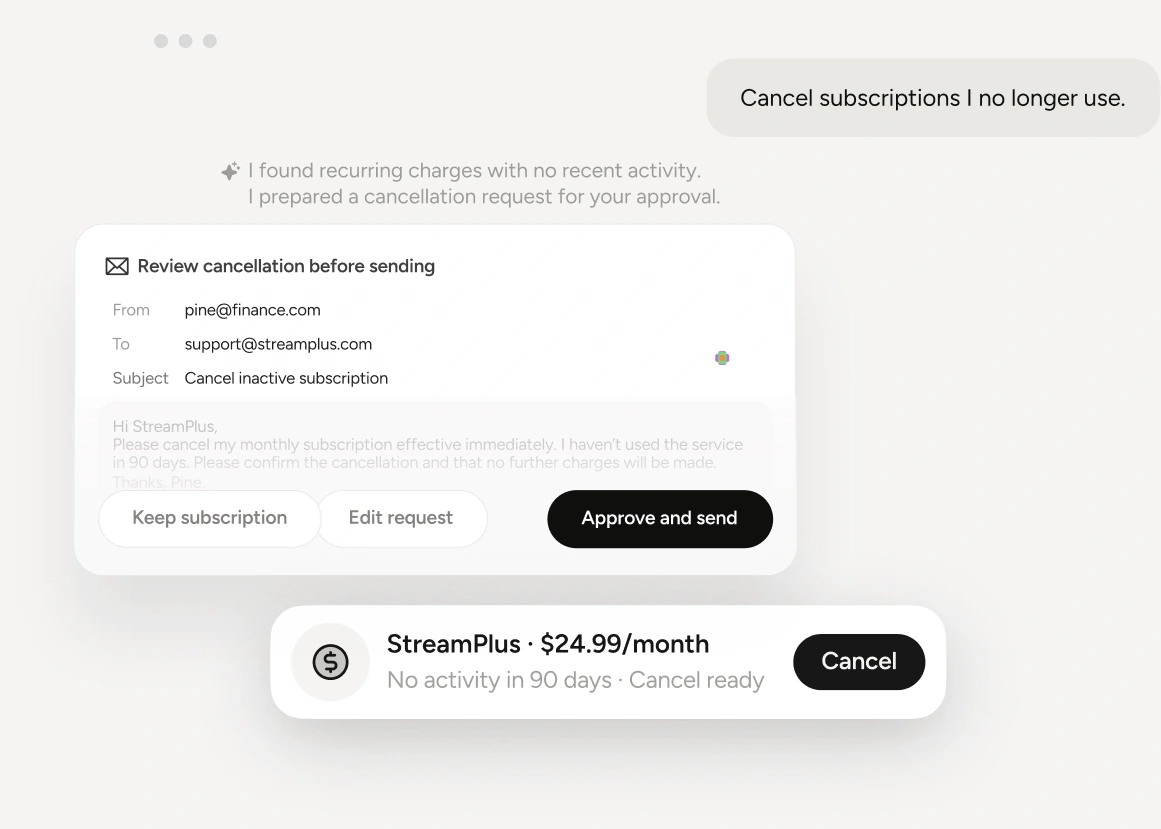
Detects price hikes and zombie subscriptions, then queues a 1-click negotiation or cancellation.
Unfair Charges & Fee Disputes
Find the fee, gather context, write a message, and follow up yourself.
Can surface fees in a report, but does not resolve the dispute for you.
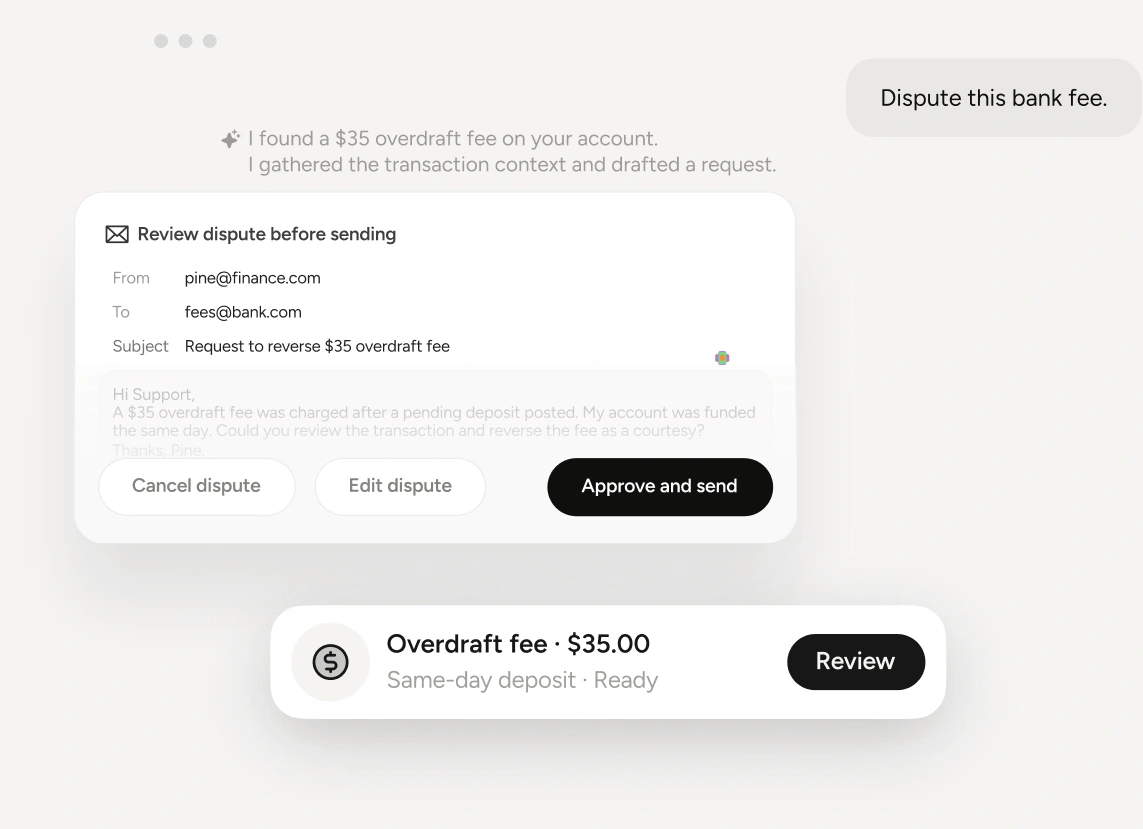
Explains the anomaly, drafts the dispute, and helps execute the authorized administrative request.
Budget Management & Pacing
Set a monthly limit and mentally calculate whether you are on track.
Shows progress bars and alerts after spending has happened.
Uses adaptive velocity pacing, proactive alerts, and an overdraft shield to prevent avoidable fees.
Cost Optimization & Applications
Search for promotions and retype information into forms and applications.
Provides recommendations or links; the repetitive application work remains yours.
Discovers promotional rates and assists with compliant, user-approved form-filling.
Spending Tracking & Insights
You Manually
Review statements, tag purchases, and build your own view of cash flow.
Traditional Budgeting Apps
(Rocket Money / Mint)
Dashboards and categories help you observe, but you still interpret the pattern.
Pine Finance
(Autonomous Financial Agent)
Auto-categorizes, forecasts cash flow, and answers natural-language questions about your money.
Sneaky Subscriptions & Price Hikes
You Manually
Notice a higher charge later, search for the vendor, then cancel or call.
Traditional Budgeting Apps
(Rocket Money / Mint)
May flag recurring charges; you still open the account and complete the action.
Pine Finance
(Autonomous Financial Agent)
Detects price hikes and zombie subscriptions, then queues a 1-click negotiation or cancellation.
Unfair Charges & Fee Disputes
You Manually
Find the fee, gather context, write a message, and follow up yourself.
Traditional Budgeting Apps
(Rocket Money / Mint)
Can surface fees in a report, but does not resolve the dispute for you.
Pine Finance
(Autonomous Financial Agent)
Explains the anomaly, drafts the dispute, and helps execute the authorized administrative request.
Budget Management & Pacing
You Manually
Set a monthly limit and mentally calculate whether you are on track.
Traditional Budgeting Apps
(Rocket Money / Mint)
Shows progress bars and alerts after spending has happened.
Pine Finance
(Autonomous Financial Agent)
Uses adaptive velocity pacing, proactive alerts, and an overdraft shield to prevent avoidable fees.
Cost Optimization & Applications
You Manually
Search for promotions and retype information into forms and applications.
Traditional Budgeting Apps
(Rocket Money / Mint)
Provides recommendations or links; the repetitive application work remains yours.
Pine Finance
(Autonomous Financial Agent)
Discovers promotional rates and assists with compliant, user-approved form-filling.
Why Pine Finance
Understand your spending, choose a safe next action, and see the result.
Crystal-Clear Spending Insights
Auto-categorization, cash flow forecasting, and natural language search make the answer to “where did my money go?” immediate and useful.
Suspicious Charge Detection & 1-Click Action
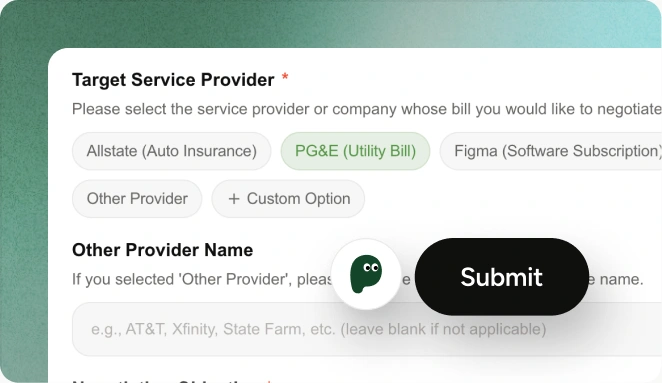
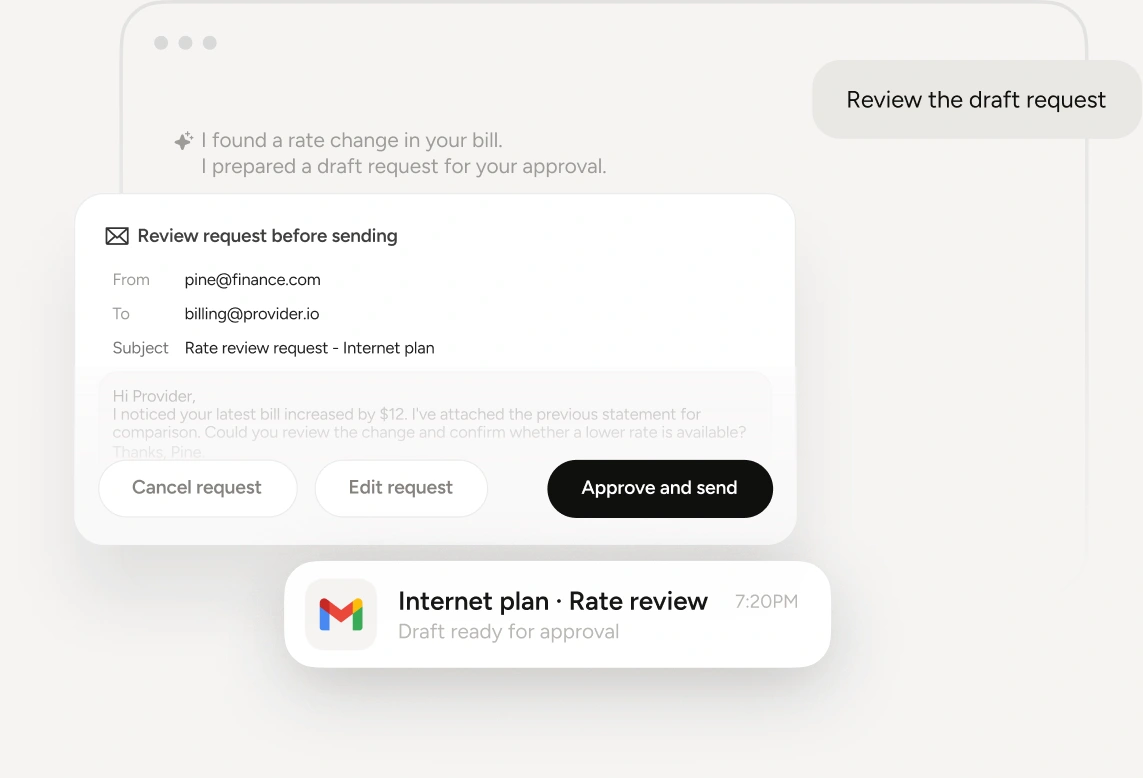
Detects price hikes and zombie subscriptions, then triggers a 1-click negotiation or cancellation flow with a clear preview before execution.
Dynamic Smart Budgeting & Overdraft Shield
Adaptive velocity pacing, proactive alerts, and fee-prevention nudges help the user stay on track before a budget or balance becomes a problem.
Smart Savings Discovery & Form-Filling Helper
Discovers promotional rate opportunities and provides automated form-filling assistance while keeping user approval and sensitive choices explicit.
You decide what Pine may do. Connections are read-only for insight, consequential actions are previewed, and the user stays the decision-maker throughout.
Interactive Prompt Playground
Choose an everyday money task. Preview the plan and stay in control of every action.
Price-hiked subscriptions
Scan my subscriptions for price hikes in the last 90 days and show me the top three savings opportunities.