See how Pine Phone compares to doing it yourself and standard voice AI.
Scenario
You Manually
Standard Voice AI / Voicemail
Pine Phone
Inbound Call Screening & Concierge
Answer every unknown call, repeat your details, and decide whether to interrupt your day.
Takes a message or follows a fixed menu.
Answers naturally, screens intent, routes the caller, and escalates only what matters.
Complex Negotiation & Disputes
Wait on hold, explain the case, push back, and remember to call again.
Transcribes or gives a short scripted response.
Uses context, adapts tone, negotiates within your rules, and reports the agreed outcome.
Batch Inquiries & Quote Comparison
Call vendors one by one, ask the same questions, and build the comparison yourself.
Places a single scripted call or records a callback.
Runs parallel outreach, asks structured questions, compares price and availability, and returns a shortlist.
Online Meeting Participation
Rearrange your schedule, dial in, take notes, and send the recap.
Records or transcribes the audio when configured.
Dials into Zoom or Meet, follows the discussion, captures decisions, and returns minutes and actions.
Multi-Party Call Bridging
Coordinate every person, conference the calls, and keep everyone aligned.
Transfers or forwards without understanding the goal.
Bridges the right parties, carries context between them, and keeps the next step visible.
The strategic difference
The call was made.
A message was recorded.
The phone task is resolved—while preserving caller-ID rules, approval boundaries, and a clear handoff.
Inbound Call Screening & Concierge
You Manually
Answer every unknown call, repeat your details, and decide whether to interrupt your day.
Standard Voice AI / Voicemail
Takes a message or follows a fixed menu.
Pine Phone
Answers naturally, screens intent, routes the caller, and escalates only what matters.
Complex Negotiation & Disputes
You Manually
Wait on hold, explain the case, push back, and remember to call again.
Standard Voice AI / Voicemail
Transcribes or gives a short scripted response.
Pine Phone
Uses context, adapts tone, negotiates within your rules, and reports the agreed outcome.
Batch Inquiries & Quote Comparison
You Manually
Call vendors one by one, ask the same questions, and build the comparison yourself.
Standard Voice AI / Voicemail
Places a single scripted call or records a callback.
Pine Phone
Runs parallel outreach, asks structured questions, compares price and availability, and returns a shortlist.
Online Meeting Participation
You Manually
Rearrange your schedule, dial in, take notes, and send the recap.
Standard Voice AI / Voicemail
Records or transcribes the audio when configured.
Pine Phone
Dials into Zoom or Meet, follows the discussion, captures decisions, and returns minutes and actions.
Multi-Party Call Bridging
You Manually
Coordinate every person, conference the calls, and keep everyone aligned.
Standard Voice AI / Voicemail
Transfers or forwards without understanding the goal.
Pine Phone
Bridges the right parties, carries context between them, and keeps the next step visible.
The strategic difference
You Manually
The call was made.
Standard Voice AI / Voicemail
A message was recorded.
Pine Phone
The phone task is resolved—while preserving caller-ID rules, approval boundaries, and a clear handoff.
Turn Emails Into Progress
See how Pine Phone compares to doing it yourself and standard voice AI.
24/7 Inbound AI Concierge & Smart Call Routing
Give every caller a helpful first response without giving every caller your attention. Pine identifies intent, answers common questions, routes important calls, and protects your focus.
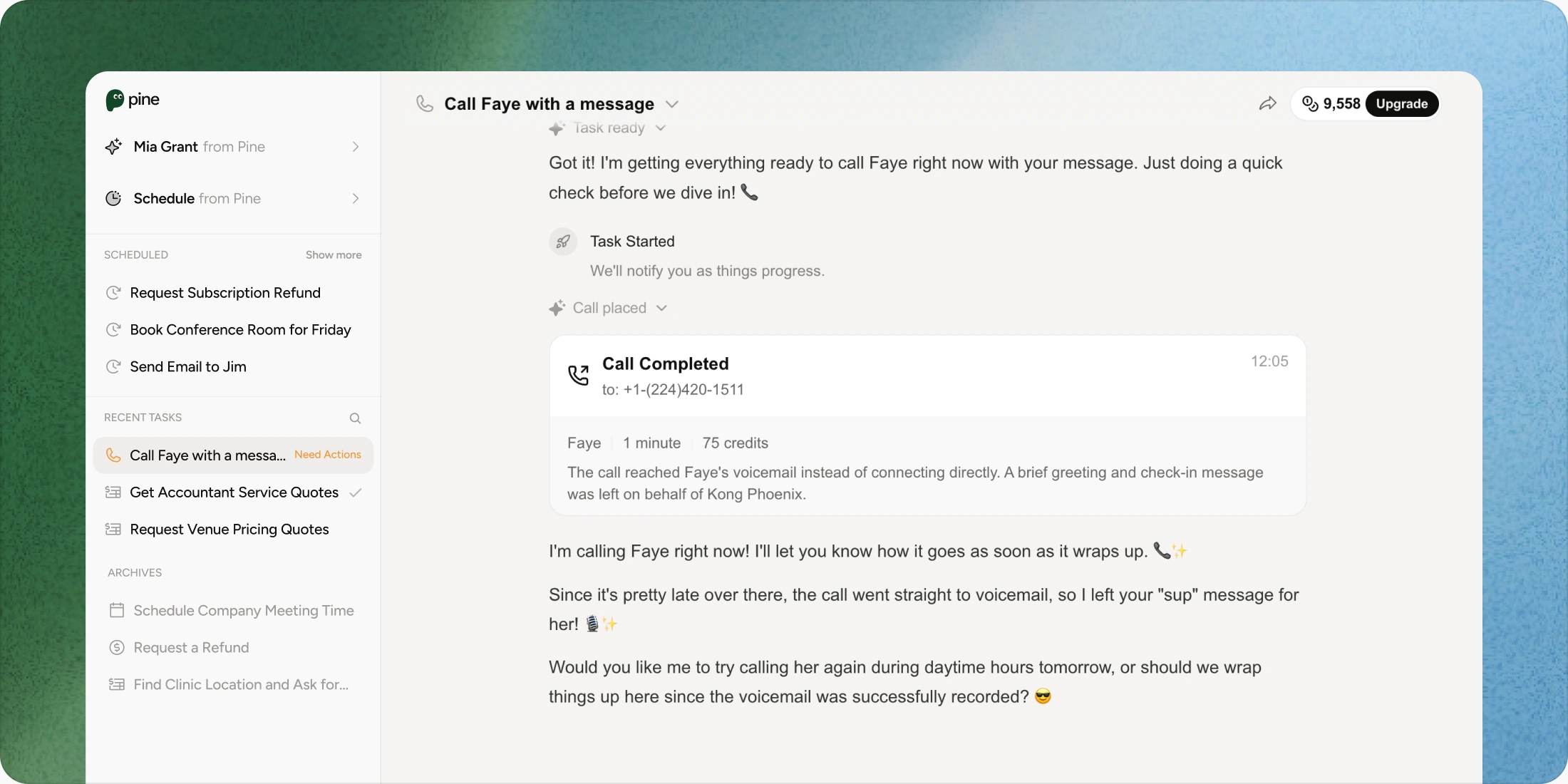
Tell Pine the desired result and the boundaries. It can navigate hold music, explain the situation, negotiate within your guardrails, and return a clear resolution or approval request.
Parallel Batch Outreach & Multi-Party Pooling
Ask five venues, mechanics, tutors, or contractors at once. Pine asks consistent questions, pools availability and price, and gives you a decision-ready comparison.
Zoom/Meet Dial-in & Tau-bench #1 Voice Engine
Pine joins meetings, adapts its tone and style to the room, captures decisions, and turns spoken commitments into minutes, tasks, and follow-ups.
Set up in minutes, start calling today
Step 01
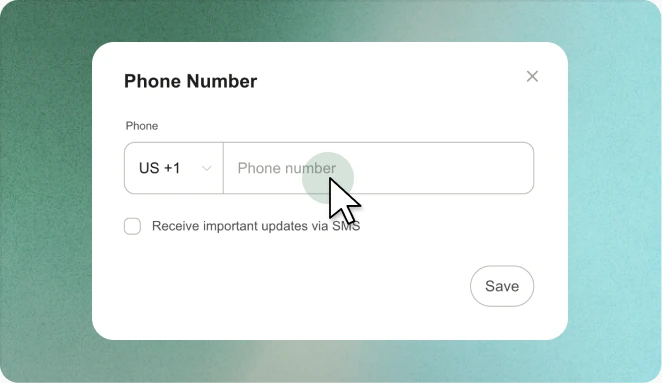
Claim number & verify caller ID
Claim your dedicated Pine number, verify caller ID and forwarding rules, and choose the calls Pine may answer or place.
Step 02
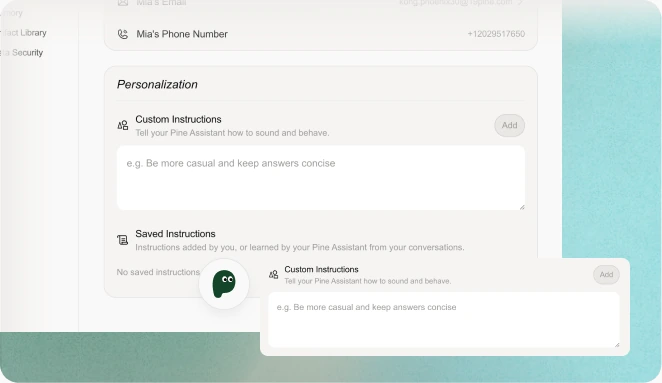
Set inbound rules and custom prompts
Describe who to let through, what to ask, what to refuse, and how Pine should sound for family, work, vendors, or clinics.
Step 03
Tell Pine who to call—or let it guard your phone
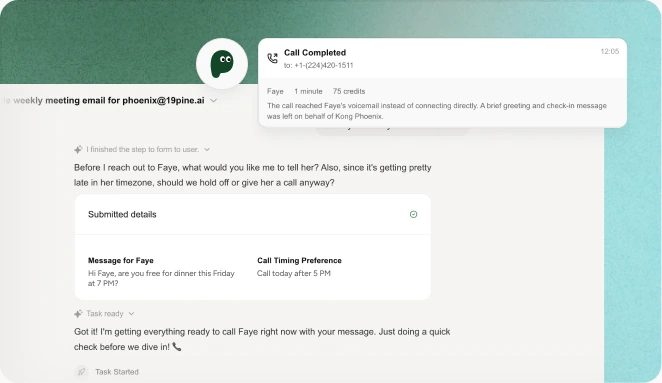
Give Pine a target and desired outcome, or forward calls to your Pine number. Watch live status and take over whenever you want.
Pine shows you what it plans to send before high-impact actions. You can approve, edit, pause, or take over anytime.
One number for every conversation
Inbound Concierge & Privacy Shield
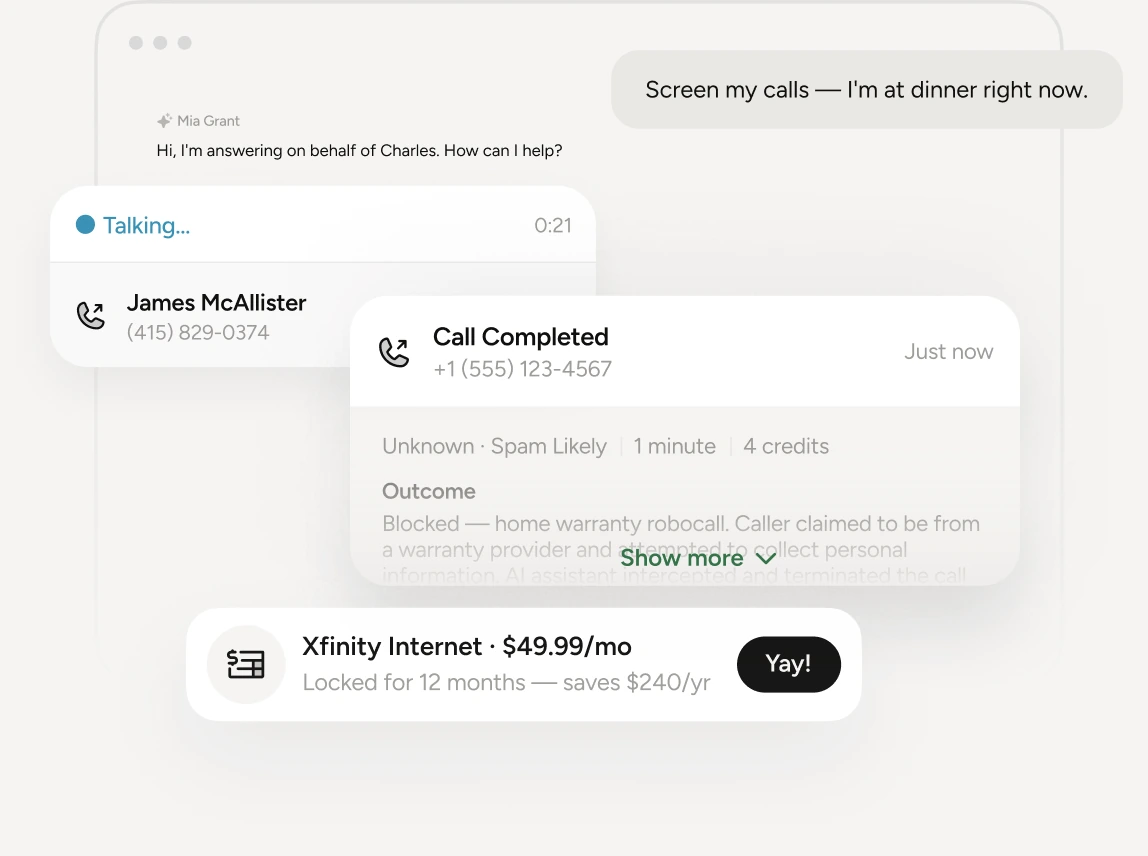
“Screen calls while I’m at dinner.” Pine answers unknown callers, asks what they need, blocks low-value interruptions, and routes the calls you actually want.
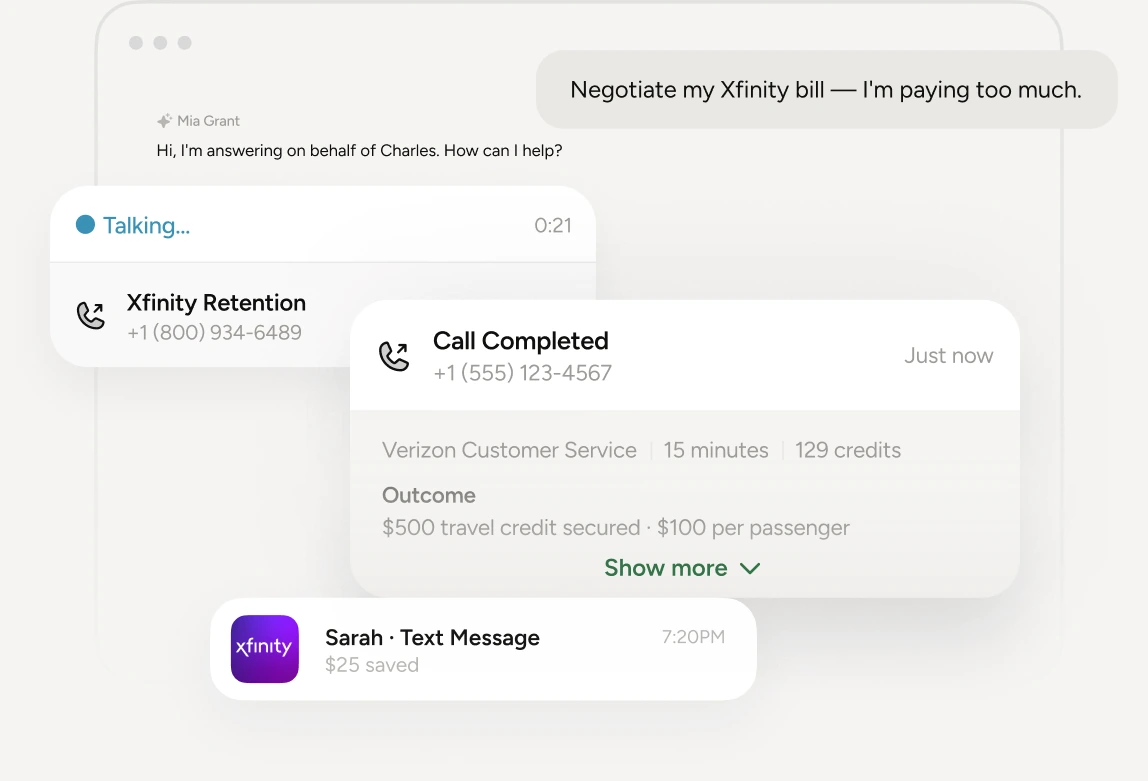
“Ask for a better rate on my internet bill.” Pine verifies the account context, navigates the provider, makes the case within your boundaries, and returns the new rate or escalation.
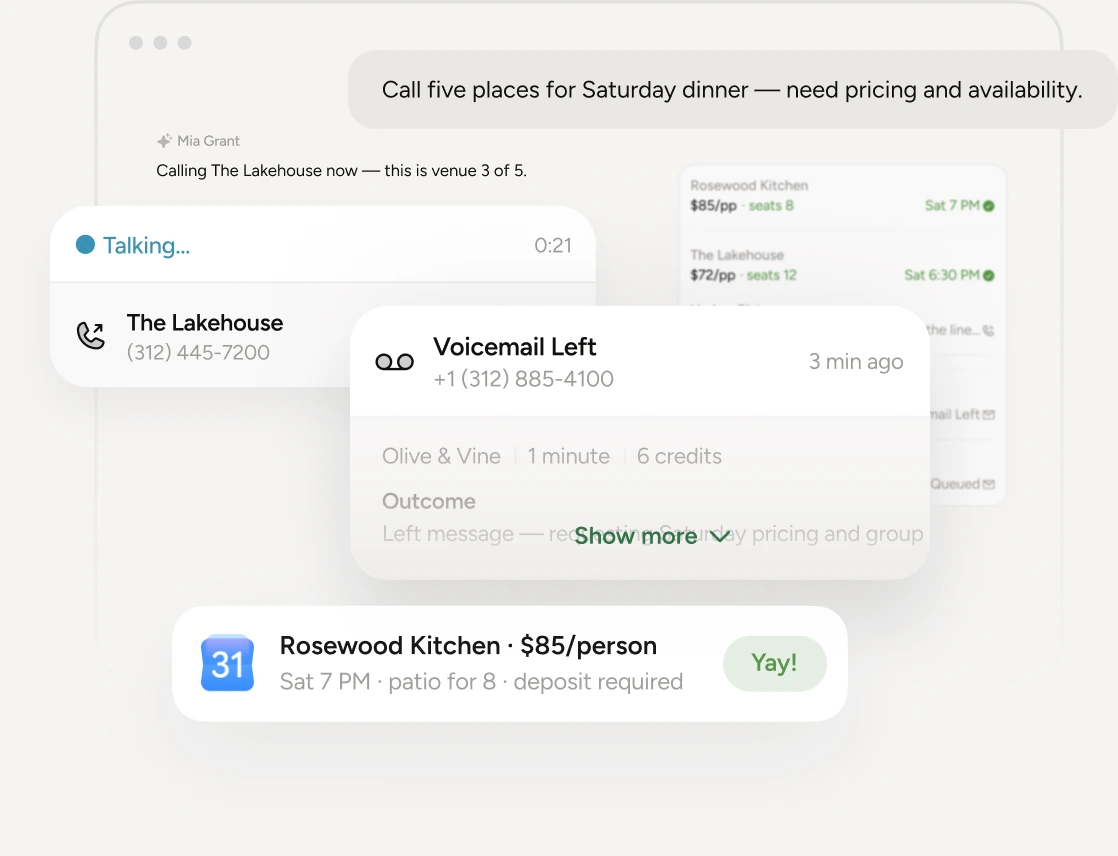
“Call five local venues for Saturday pricing.” Pine runs consistent outreach, asks about availability and terms, pools the answers, and returns a comparison you can act on.
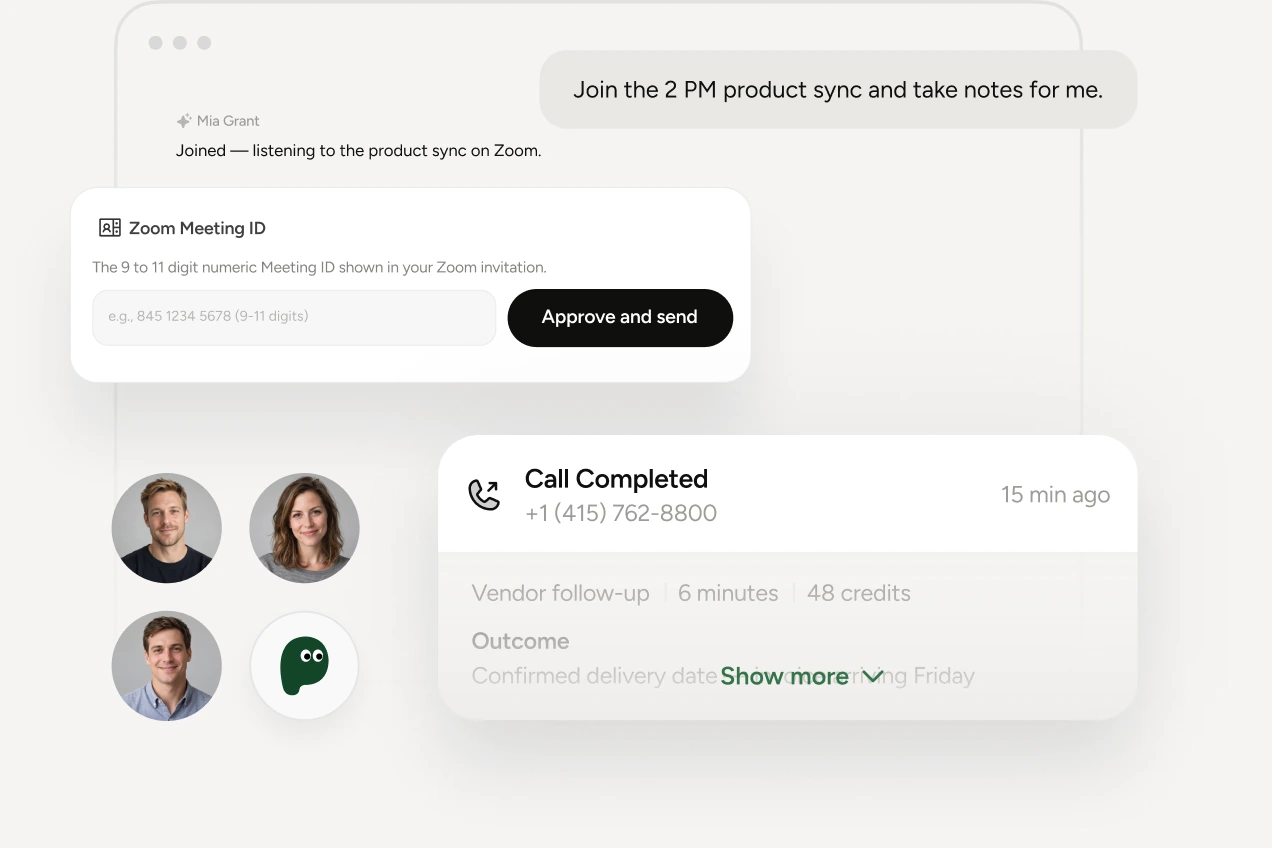
“Join the meeting and capture decisions.” Pine dials in, adapts its voice and style to the room, tracks commitments, and returns minutes, owners, and follow-up calls.
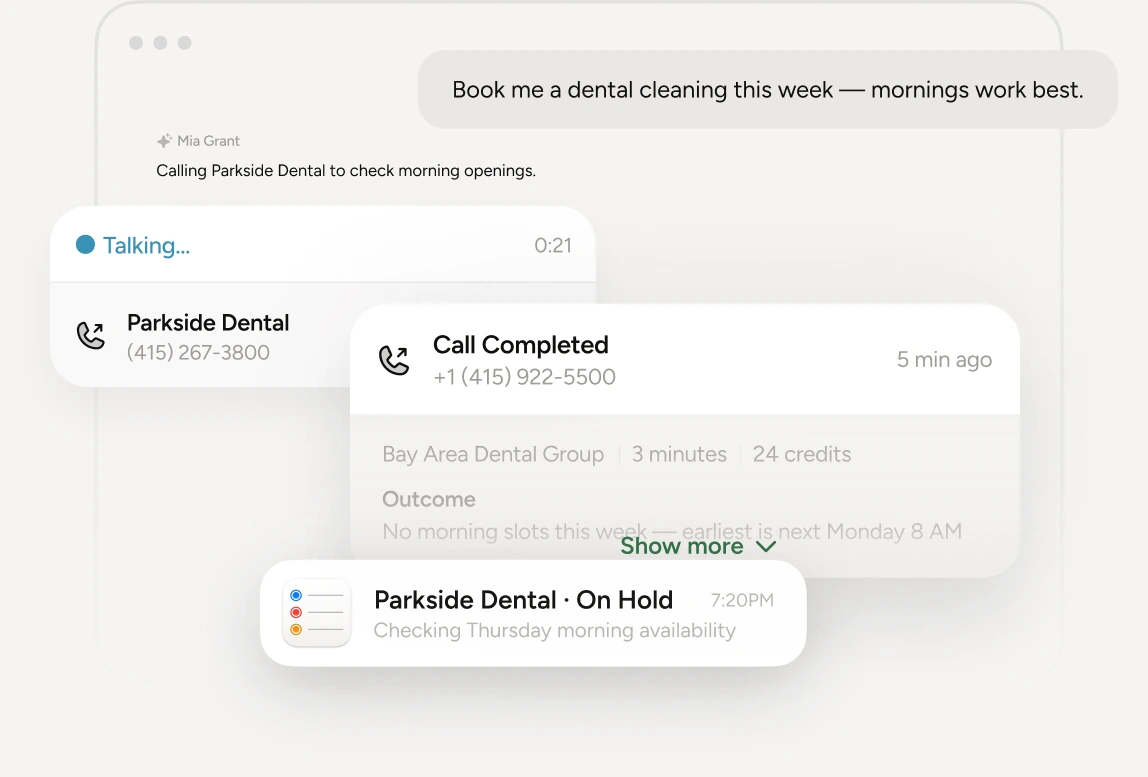
“Find the earliest appointment that fits.” Pine calls clinics or specialists, handles availability questions, respects your constraints, and returns the confirmed slot or exact next step.